 Security policy
(edit with the Customer Reassurance module)
 Delivery policy
(edit with the Customer Reassurance module)
 Return policy
(edit with the Customer Reassurance module)
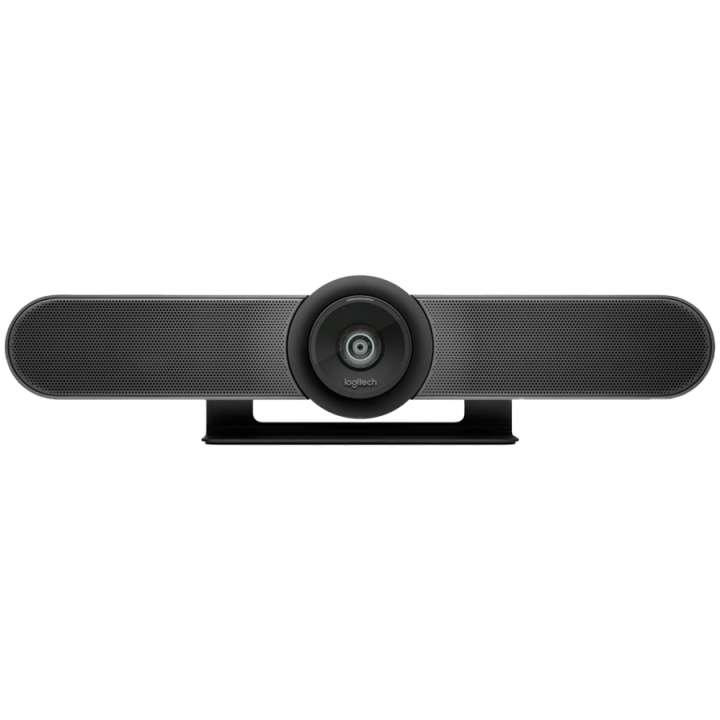
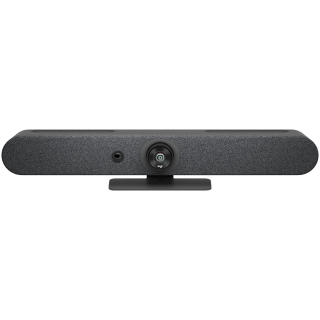
All-in-one conferencecam with an ultra-wide lens for small rooms

Designed for huddle rooms and other smaller spaces, MeetUp packs big features into a compact form factor.

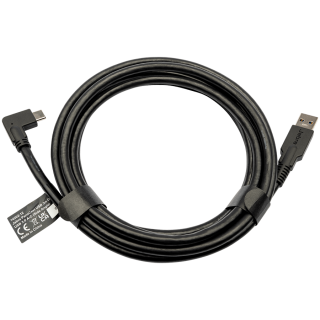
MeetUp connects to a computer or laptop via USB for easy installation and plug-and-play video conferencing.

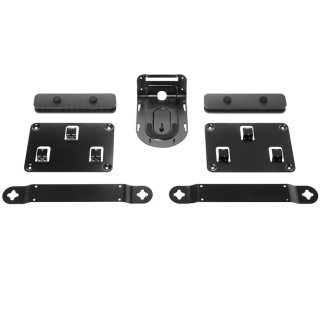
Compact dimensions and versatile mounting options conserve space and minimize visible cabling.

with Full Duplex & Advanced Beamforming
Front-of-room alignment of voice and video is just the first step to natural conversations. RightSound™ technologies include a beamforming mic array that captures speech, while auto-leveling louder and software voices and suppressing noise.

Computer Vision
With RightSight™ computer vision, MeetUp automatically adjusts camera position and zoom to find and frame people in the room. Unlike voice tracking systems that jump from person to person, RightSight frames everyone in the conversation for a more comfortable and collaborative experience.

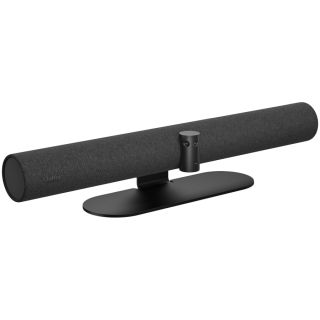
Mounted at the display like a soundbar, MeetUp takes the speakerphone off the table to reduce cross-room cabling and maximize usable space.

• 5X ZOOM
Perfectly frame presenters to minimize background distractions. Zoom in on whiteboards and objects so remote participants can see what you see. Thanks to its advanced 4K image sensor, video remains sharp and clear, even when you zoom in on the details.
• PREMIUM CAMERA OPTICS
MeetUp features exquisitely engineered, premium camera optics that capture a wide field-of-view without distorting faces and furniture with a “fisheye” effect. Faces look natural, whiteboard writing remains legible, and straight lines stay straight.
• BLUETOOTH SPEAKERPHONE
Already connected on your smartphone? Dialing into an audio conference? Pair MeetUp with your smartphone or tablet to enjoy outstanding audio clarity, volume, and range that handheld devices can't match.
• TAKE CONTROL
When you need to adjust the volume, mute the microphone, or take manual control over camera position, MeetUp's remote control uses radio frequency (RF) signals for reliable and discreet control from anywhere in the room. You can even download the free Logi Remote app (available on iTunes ) to control MeetUp with an iPhone or iPad.

check_circle
check_circle


Comentarii (0)
Aprecierea ta pentru recenzie nu a putut fi trimisa
Reclama un comentariu
Raport trimis
Reclamatia tau nu a putut fi trimisa